AI Anime Generator
This AI anime generator redraws your photo as anime art in six styles. Your first image is free, no sign-up, no credit card.
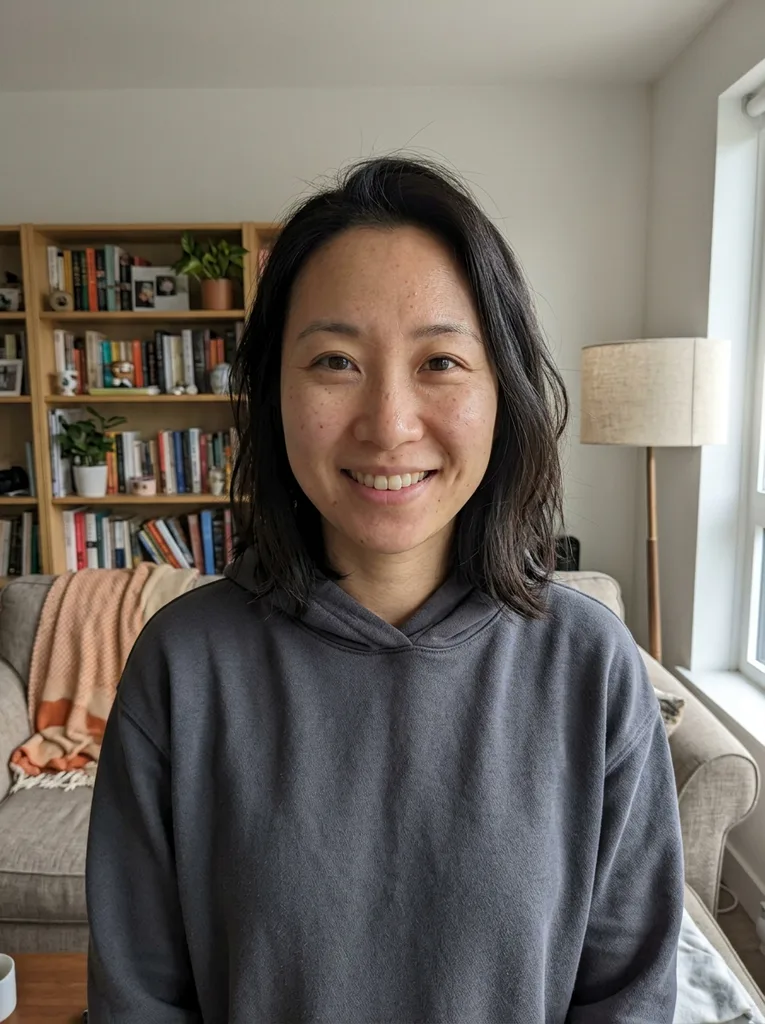 Before
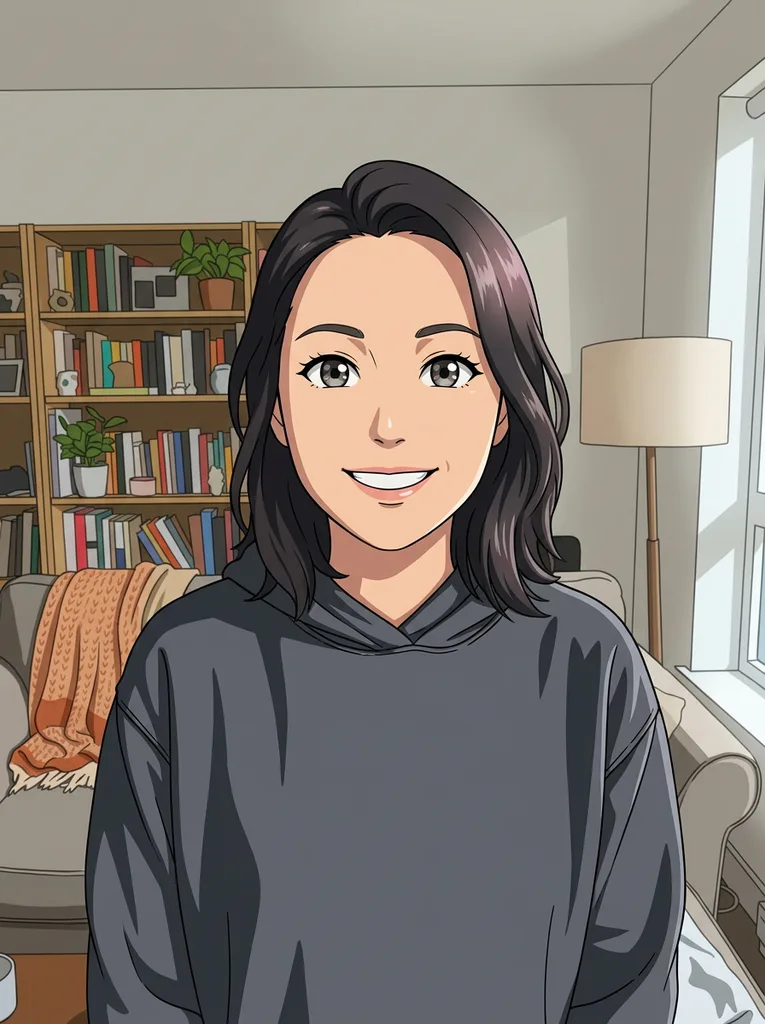 After
Example result. Upload your photo to make yours.
Examples
BeforeAfterHow to turn a photo into anime
The AI anime generator takes three steps: one photo in, one anime image out.
- 1
Upload one photo
Click the upload box or drop a JPG, PNG, WebP or HEIC file up to 10 MB. HEIC is converted in your browser, and large photos are shrunk there before they are sent. One photo per run.
- 2
Pick an anime style
Choose Modern Anime, Shonen Action, Soft Shojo, Retro 90s, Chibi or Black & White Manga. Add an optional note of up to 300 characters, such as pink hair, school uniform or a night city background. The note is added to your request.
- 3
Create and download
Press the button and the AI anime generator puts the anime image beside the options. Download it from the image. Choose your style and note before generating: your allowance is one image across the whole site.
Photo to anime, or write a prompt instead?
A photo tool and a prompt-based ai anime generator solve different problems. Pick the route that matches what you already have.
| Tsukuru | Text-prompt anime tools | Commissioned artist | |
|---|---|---|---|
| You start with | A photo of your own | A written description | A brief and references |
| Subject | The person or scene in your photo | Whatever you can put into words | Whatever you agree on |
| Style choice | Six buttons | Keywords you write | Discussed with the artist |
| Account | None for your first image | Varies by tool | Usually a message thread |
| Best for | Avatars, gifts, a fun redraw of a real photo | Invented characters and scenes | A one-off piece with a human hand |
Photo tips for a better anime result
Small choices to make before the AI anime generator runs.
- Use a clear, well-lit photo so the ai anime generator has face detail to work from.
- Keep the face or main subject large enough to see, not tiny or blurry.
- One person facing the camera or slightly turned is the easiest case.
- Pick the style first: Chibi shrinks the body, Black & White Manga drops color.
- Use the note for one change at a time, such as hair color or background.
- Only upload photos of people who agree to it, and only if you are 18 or older.
Why use this AI anime generator for photos
What the AI anime generator is built to do, and where it stops.
Drawn, not filtered
The request tells the model the result must look drawn, not like a photo with a filter on top, and to redraw the subject as an anime character.
Your face, redrawn
The model is told to keep your face shape, hairstyle, expression, pose and clothing. That is a request, not a guarantee: it is AI output, so compare the result with your photo.
Shape follows the photo
The result takes the framing of the photo you upload, and the model is told to keep its composition. There is no ratio or size to pick, and each run makes one image.
Six clear styles
Modern Anime, Shonen Action, Soft Shojo, Retro 90s, Chibi and Black & White Manga: the AI anime generator gives each one a button, so you choose a look instead of writing keywords.
Your photo stays yours
Your photo is only used to create your images and is never used to train AI models. It is held only to run the service and deleted on request, as the privacy policy explains.