Photo to Illustration
Photo to illustration AI free: upload one photo, pick one of six styles. Your first image is free, no sign-up, no credit card.
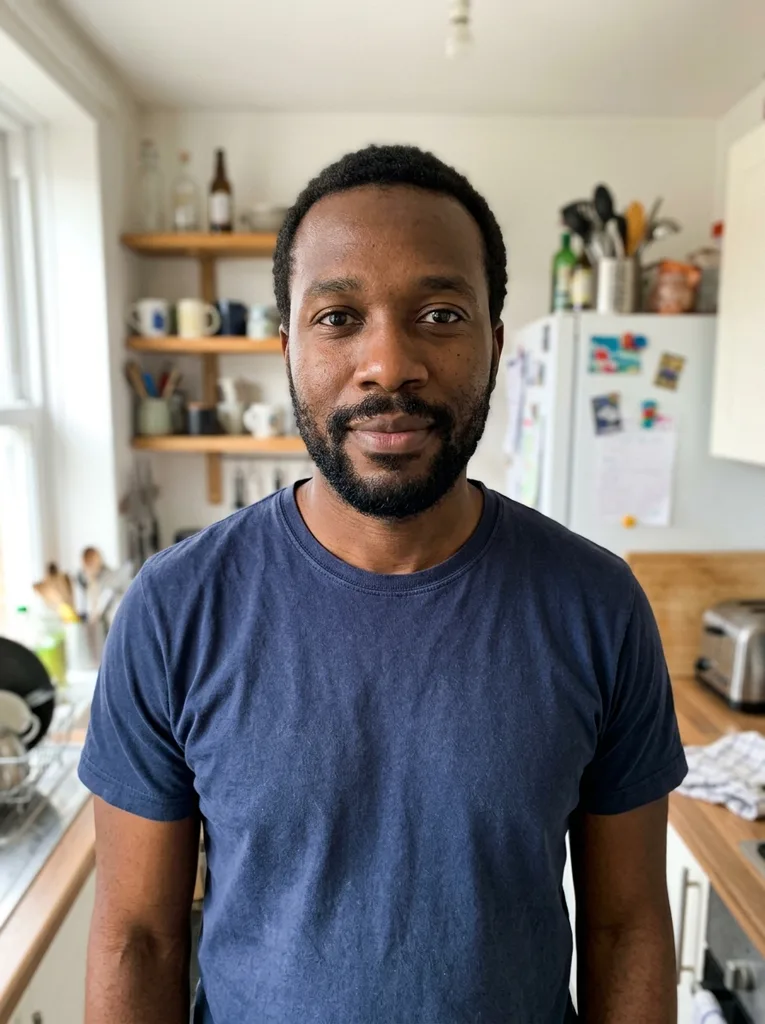 Before
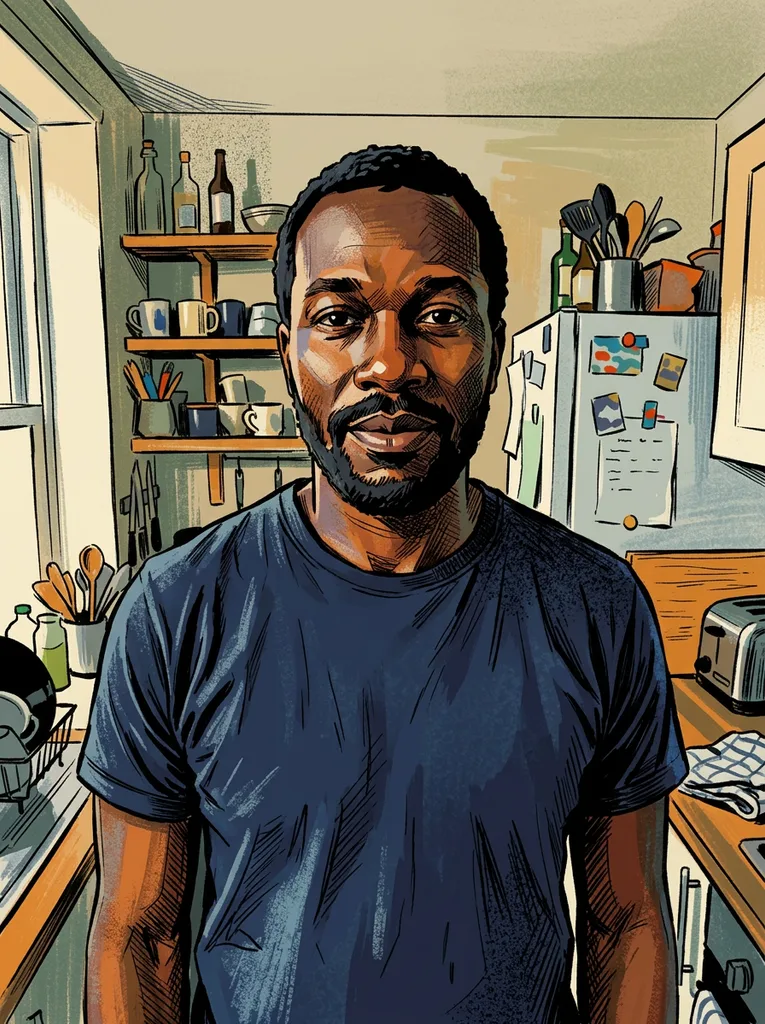 After
Example result. Upload your photo to make yours.
Examples
BeforeAfterWhat the photo to illustration tool does
One photo in, one drawn image out, in the style you pick.
Tsukuru redraws a photo as an illustration. You upload a picture, choose a style, and the photo to illustration converter draws a new image from it.
The request tells the model to preserve the composition, subjects, poses and expressions in your photo. It also asks for an image that is clearly drawn, not a photo with a filter on top. This is AI output, so compare it with your original before you use it.
The result follows the shape of your photo: a wide photo gives a wide image, a tall one gives a tall image. The photo to illustration converter offers six styles and one optional note.
Made for
- Portraits
- Pets
- Products
- Scenery
- Buildings
How to turn a photo into an illustration
Use the photo to illustration tool in three steps, with no account to make first.
- 1
Upload one photo
Click the upload box or drop a JPG, PNG, WebP or HEIC file up to 10 MB. HEIC is converted in your browser, and large photos are shrunk there before they are sent.
- 2
Pick a style and add a note
Choose Flat Vector, Editorial, Watercolor, Pencil Sketch, Children's Book or Ink Line Art. If you like, add a note of up to 300 characters, such as warmer colors. The note is added to your request.
- 3
Create and download
Press the button and the photo to illustration result appears beside the options. Use the Download button on the image. Choose your style and note before generating your one free illustration.
Tips for a better photo to illustration
- A good photo to illustration result starts with a clear, well-lit photo where the main subject is easy to see.
- Keep the subject large enough to read, not tiny or blurry.
- Flat Vector asks for simple geometric shapes and a limited palette; Editorial asks for bold shapes and textured shading.
- Watercolor asks for soft washes with visible paper grain; Children's Book asks for soft textures and gentle colors.
- Pencil Sketch asks for graphite hatching with no color; Ink Line Art asks for clean black lines with minimal shading.
- Use the note for small changes, like "simplify the background". It is added to your request and cut at 300 characters.
- Choose the style before you press the button. Your free image is one per visitor.
- Put the result next to your photo and check the faces, hands and details before you share it.
What to know before you upload
Your first image is free
Each visitor gets one free image across the whole site, with no sign-up and no credit card. After that the photo to illustration tool tells you the free tries are used. There is no account or paid plan yet.
What happens to your photo
Your photo is only used to create your images and is never used to train AI models. The file is held in our storage only to run the service and deleted on request, as the privacy policy says. Upload photos of people only with their agreement, and only if you are 18 or older.
Who owns the image
Under the terms, the images are yours to use for any lawful purpose, and we claim no ownership. Some countries do not give copyright to purely AI-made images, and someone else may get a similar picture from a similar request.
What the photo to illustration tool does not do
You get one raster image per run: no SVG or vector file, no batch, and no editing of an earlier result. For a custom set of brand illustrations, a human illustrator is the better fit.