Anime Profile Picture
Upload a selfie, pick an avatar style and get an anime profile picture of yourself. Your first image is free, no sign-up, no credit card.
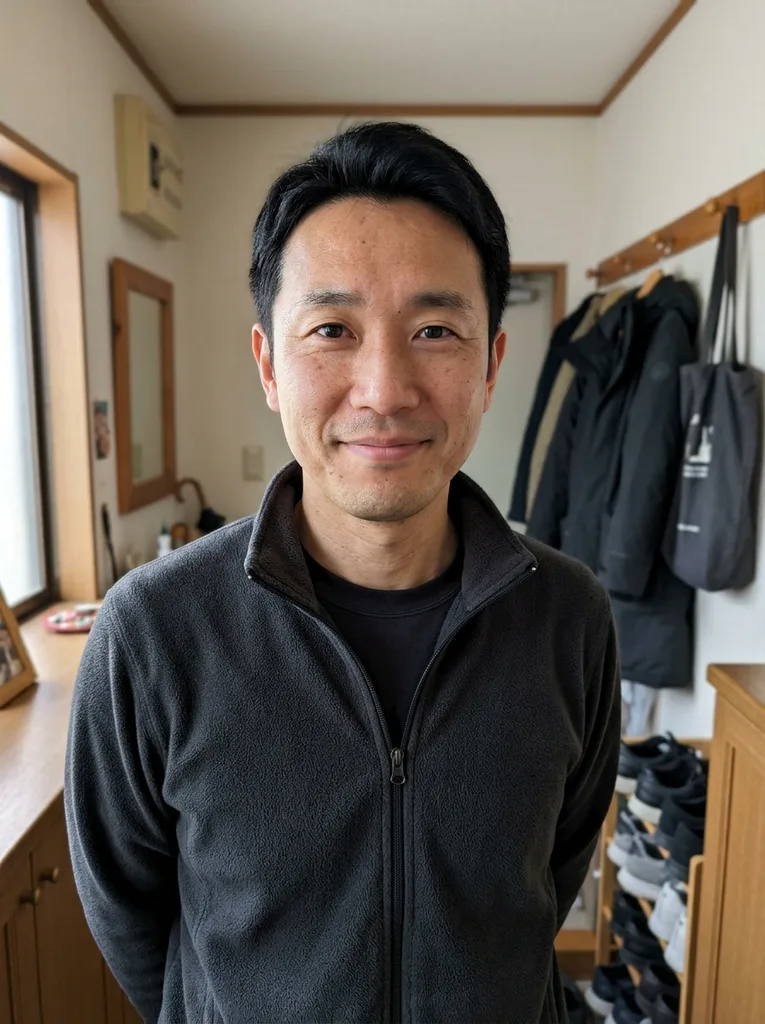 Before
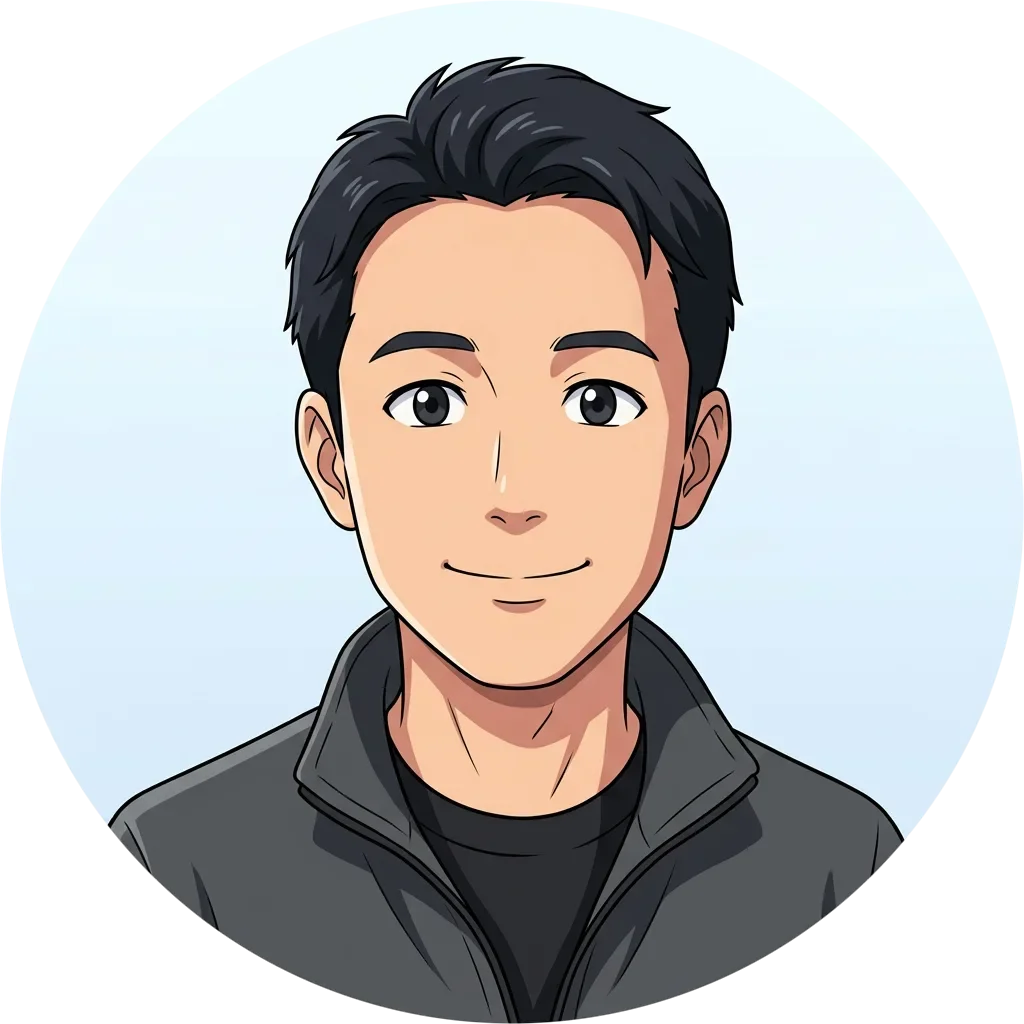 After
Example result. Upload your photo to make yours.
Examples
BeforeAfterHow to make an anime PFP from your photo
Three steps from selfie to an anime profile picture you can download.
- 1
Upload one clear photo
Click the upload box or drop in a JPG, PNG, WebP or HEIC file up to 10 MB. A single person facing the camera or turned slightly gives the model the most to work from. Large photos are shrunk in your browser before they are sent.
- 2
Pick an avatar style
Choose Classic Anime, Dark & Cool, Soft Pastel, Chibi, Black & White Manga or Neon Cyber. Each run makes one image in one style, so decide first. Add an optional note such as "silver hair" or "add headphones", up to 200 characters; it is added to your request.
- 3
Create and download
Press the button and the result appears next to the options, shown in a round preview frame. Download the square image and upload it as your profile picture. Choose your style and note before generating your one free anime profile picture.
Anime profile pic styles for every account
Each avatar style gives your anime profile picture a different mood and suits a different place to show it.
Discord and gaming
Dark & Cool asks for deep shadows, a cool color palette and a subtle glow. It fits an anime profile picture for a Discord server or a gamer tag that should look moody, and the glow is meant to stand out against dark interfaces.
Streaming and online handles
Neon Cyber asks for glowing pink and cyan rim light. Pick it when your handle, overlay or channel art already leans on bright accents and you want an anime pfp that matches.
Instagram and TikTok
Soft Pastel asks for gentle colors, a dreamy glow and sparkles. It is meant for a bright, friendly anime profile picture on a social account, where a softer look reads well at small sizes.
Casual chats and groups
Chibi asks for a big head and sparkling eyes. Choose Chibi for a playful anime profile picture for group chats, forums or community badges.
Clean monochrome profiles
Black & White Manga asks for inked lines and screentone shading. Choose it for an anime profile picture that should look like a page from a manga, or when you want one avatar with no color to clash with a theme.
Everyday default
Classic Anime is pre-selected and asks for clean linework, soft cel shading and bright colors. Start here if you are unsure which mood fits your account.
Photo and crop tips for a better anime PFP
A little care before you upload saves the one free image.
- Use a clear, well-lit photo where your face is not tiny or blurry, since it is the base of your anime profile picture.
- Choose a shot of one person, facing the camera or slightly turned.
- Crop out other people first, because the tool takes one photo and makes one portrait.
- Pick the avatar style before you press the button, because your free image is shared across the whole site.
- Use the note for one or two small changes, such as hair color or a starry background.
- Check the result against your photo, since AI output can differ from the original.
- Test your downloaded anime profile picture in your platform's round crop, because the file itself is not cut into a circle.