AI Drawing
Type what to draw and pick a drawing tool. Your first ai drawing is free: no sign-up, no credit card.
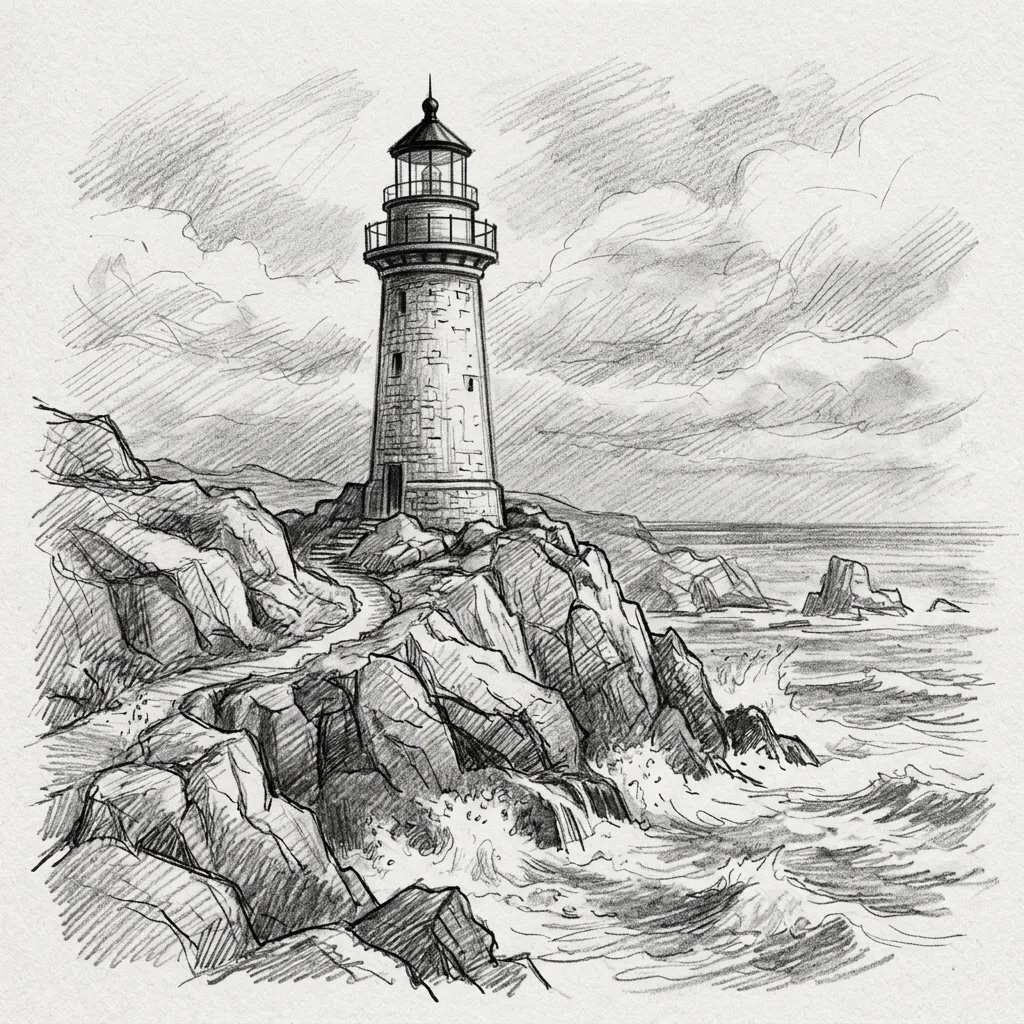
Example result. Pick your options to make yours.
Examples
How to make an AI sketch online
Three steps, one square image at the end.
- 1
Describe what to draw
Type the subject in the box, up to 200 characters. A single clear subject, such as an old lighthouse on a rocky coast, is what the ai drawing tool is built around. Say what the thing is first, then add a detail or two about the setting.
- 2
Pick a drawing tool
Choose Pencil, Charcoal, Ink Pen, Colored Pencil or Coloring Page. Pencil is selected until you change it. The choice decides the look of the whole ai sketch, so pick it before you run.
- 3
Generate and download
Press the button and the finished image appears in the result area while the tool shows progress. Use Download to save it. Choose the description and drawing tool before generating; the finished drawing cannot be edited here.
AI drawing from text, not from your sketch
You write a short description and the ai drawing tool draws it.
There is no upload and no drawing canvas, so you do not need a sketch to start. If you want a picture of a real photo in an illustrated look, a sister tool on this site takes photos.
That makes it a quick way to get a first sketch of an idea when the page you start from is blank.
What each drawing tool asks for
Each ai drawing tool button adds a fixed request to your description. Pencil asks for graphite on paper with visible strokes and soft shading, no color. Charcoal asks for deep blacks and smudged shading, no color. Ink Pen asks for crisp, varied lines and cross-hatching on white paper. Colored Pencil asks for layered strokes with visible grain and soft blending.
Coloring Page asks for bold black outlines only, no shading and no gray, with large open areas on a white background.
What you get from a free ai drawing
Each run makes one square image. The tool is asked for a simple composition with one main subject that looks like a real hand drawing, and for no text, watermark or signature. It is AI output, so check the details before you use it.
There is no account and no saved history. Download your ai drawing before you leave.
Please only describe pictures you are allowed to make: the terms forbid anything suggestive or NSFW, and the request asks for fully clothed figures.
Before you use your free ai drawing
Your first image is free, so settle the idea first.
- Write one main subject in plain words; the ai drawing tool is asked for a simple composition with a single focus.
- Keep it under 200 characters and say what the thing is before how it looks.
- Pick the drawing tool first: Pencil and Charcoal ask for no color, so choose Colored Pencil if you want color.
- Choose Coloring Page for printable outlines, since it asks for black outlines only on white.
- Do not ask for words or lettering in the picture; the request tells the tool to leave text out.
- Describe an original subject rather than a named franchise character.
- Look the finished image over for odd details before you download it.
- Plan for one run: the free image is one per visitor, so write the subject and tool you really want.